Bring your video
A YouTube link is enough. The original file or a photo shoot gives the sharpest result.
YouTube linkVideo filePhotos
Paste a link. We find your stars' best real frames, keep their faces untouched, and you finish it in minutes.
No link? Upload the video or photos instead.
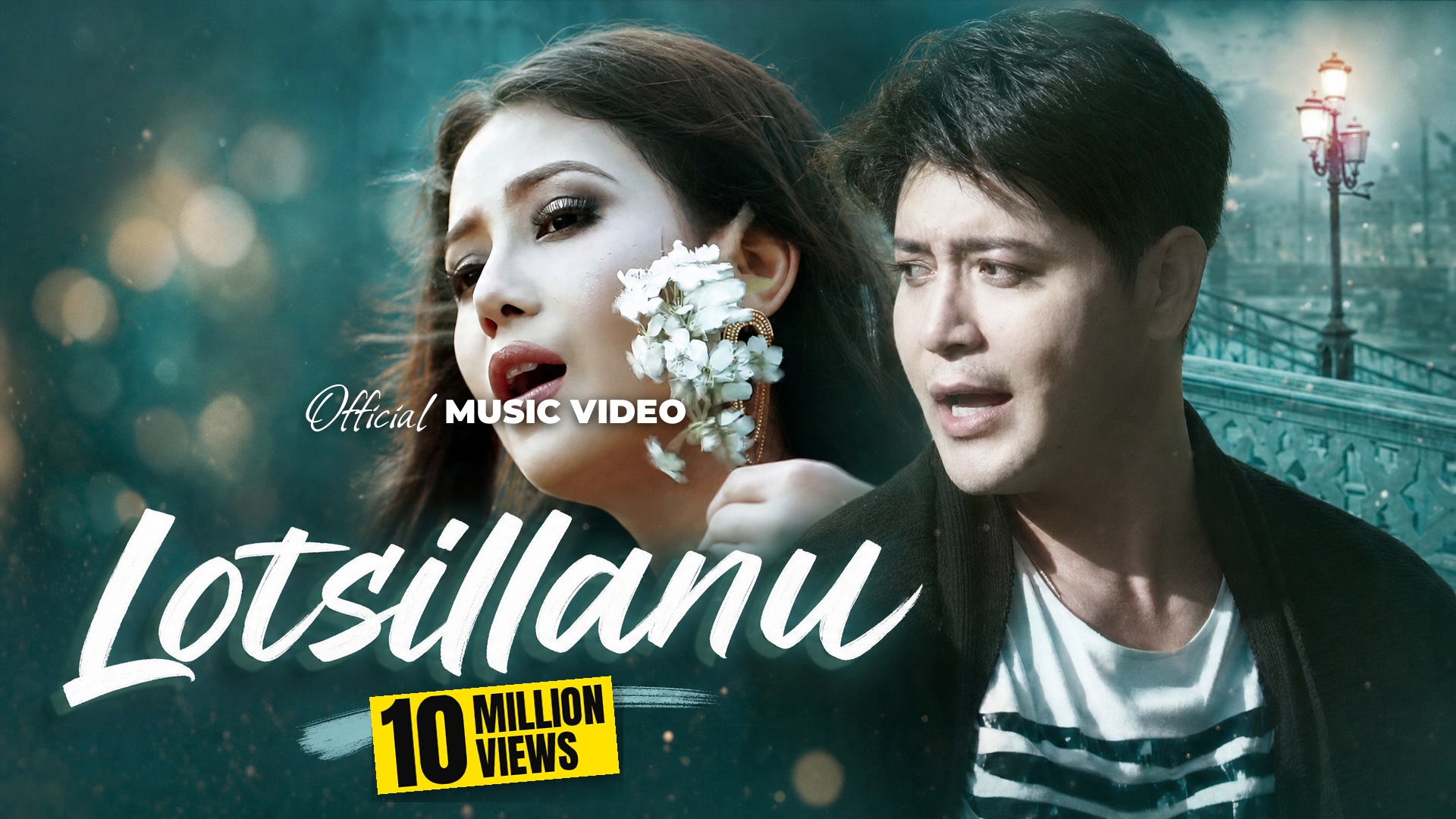

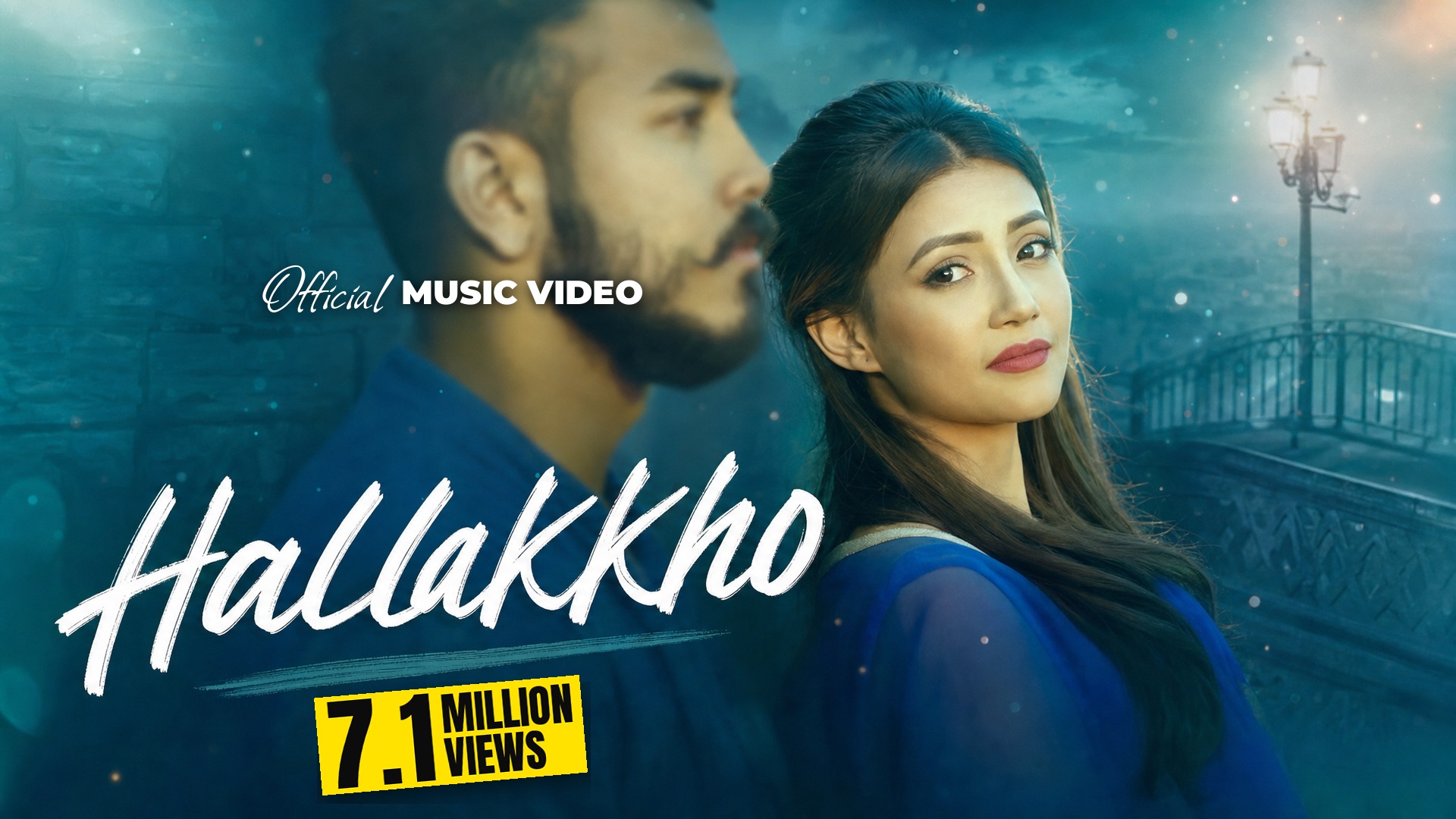
Other tools paint new faces or paste them onto strangers. We build your thumbnail from frames of your own video, so your artists look exactly like themselves.
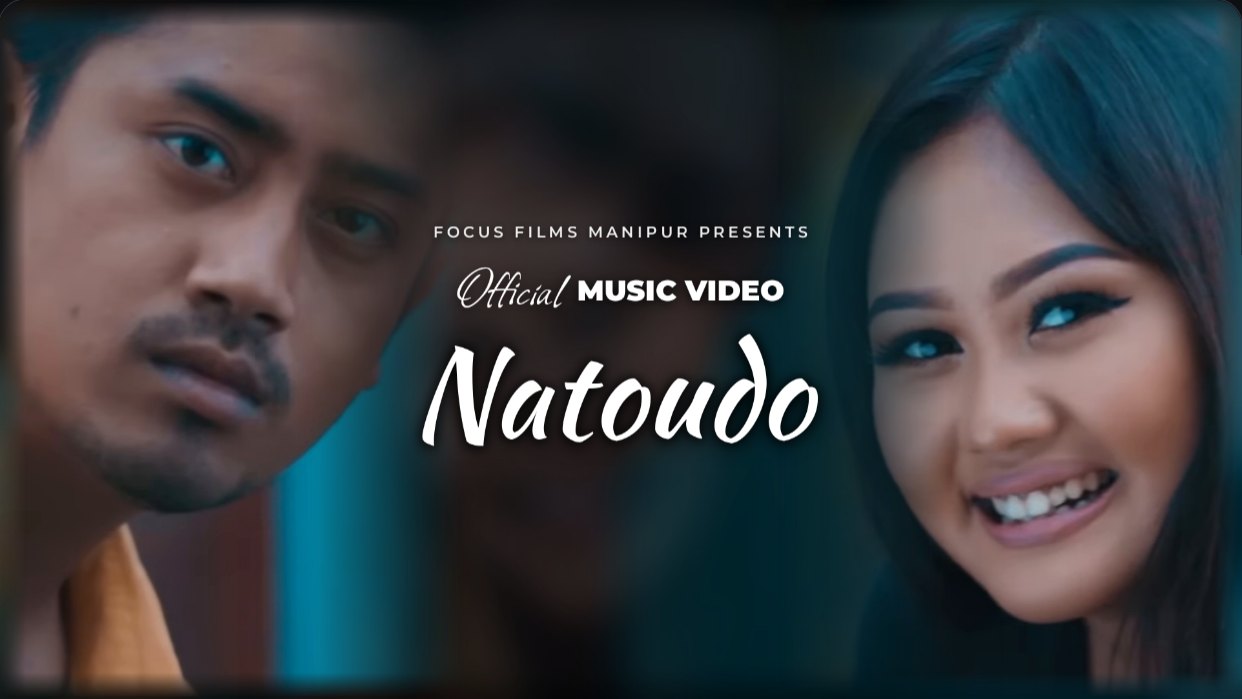
A YouTube link is enough. The original file or a photo shoot gives the sharpest result.
Your leads are recognised, then every shot is checked for sharp faces, open eyes and the two of them looking at each other.

Nine close and standing shots of each lead, nine moments and nine backgrounds. Then the title, views and Official label styles.

Drag the text and the pictures, resize them, change fonts. Download at 1920 × 1080.

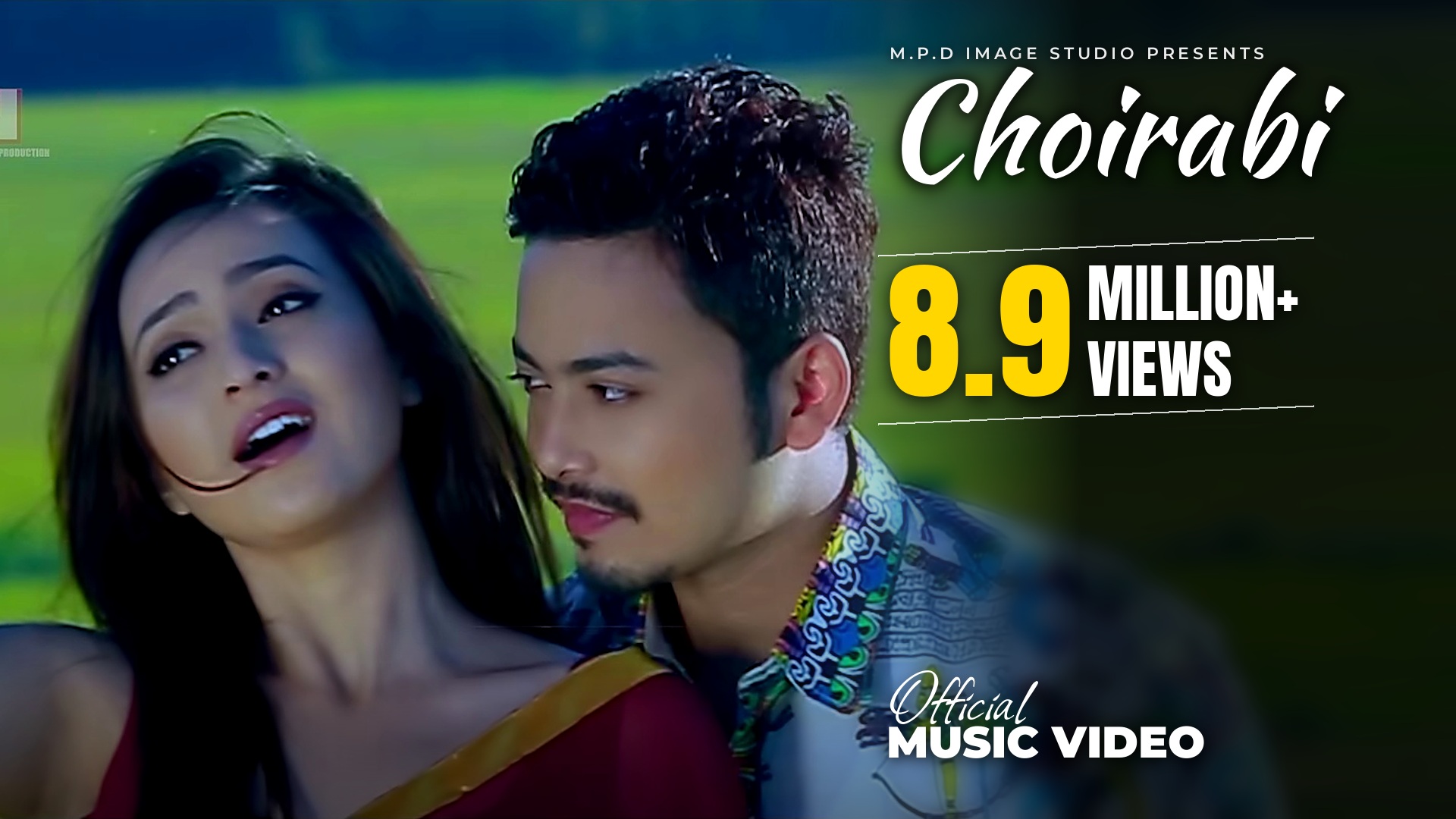
Text on the picture, a side panel, a collage, or each lead on the edges. Chosen from what your video gives.
11 title styles, 11 views badges and 8 Official labels, studied from 400 top music video thumbnails.
Scripts, brushes and bold display faces, all free for commercial use.
The view count comes from your link. A new song gets an Official Release label instead.
Drag and resize the title, the badges and every picture. Nothing can slip off the frame.
If the video is too soft, the AI paints a new picture from your chosen shots. You still set the text.
Music videos and movie songs today. Instagram posts are next.